
Free visual support tool
Free First Then Board Generator
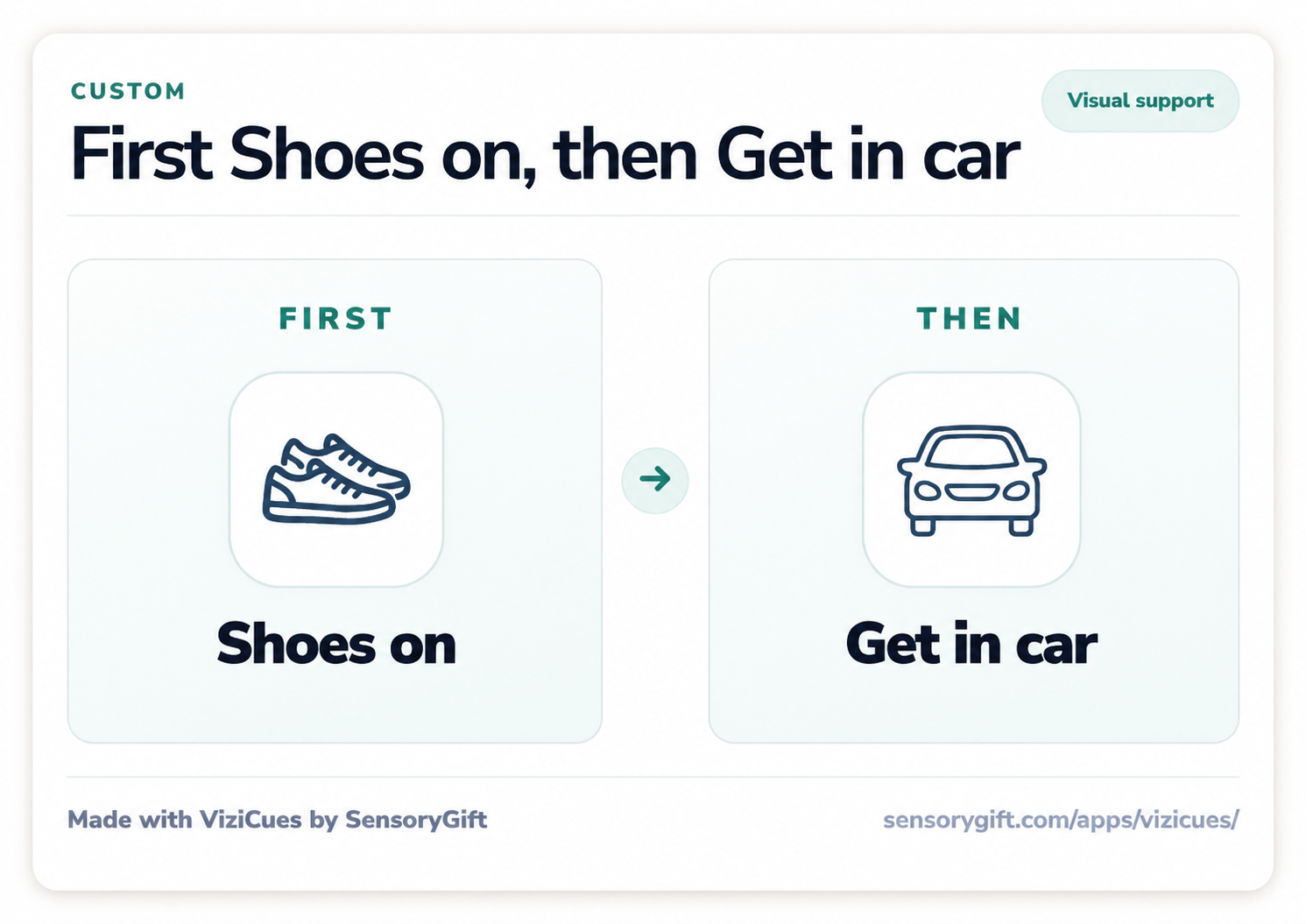
Create a custom first then board free with ViziCues. Choose what happens first, choose what comes next, then use the board on screen or print, save, and share it for routines, transitions, school, therapy, work, or home.
New to this kind of visual support? Learn how to use a first-then board gently .
On this page
Make a board now
How the ViziCues first then board generator works
You do not need to build a full visual schedule first. Open ViziCues, choose the First-Then board option, add the two activities, and use the finished board in the format that fits the moment.
Open ViziCues and choose First-Then
From the ViziCues starting options, choose Make a First-Then Board. This opens the focused two-step board maker instead of asking you to build a full daily routine.
Add FIRST and THEN
Choose or create the activity that happens now, then add the next activity, break, regulating option, or clear finish. Use pictures, icons, words, or a combination that the person can understand quickly.
Use, print, save, or share the board
Keep the board on screen for the current transition, or use ViziCues schedule actions to print it, save it as an image or browser PDF, or share the same visual with another person.
Ready to make your board?
Open the free ViziCues app and choose the First-Then option. Core use does not require an account, and the board can stay on the device unless you choose to print, export, or share it.
Free in ViziCues
A first then board maker you can actually use in the moment
ViziCues includes First-Then boards as part of its free core visual schedule tools. You can create a first then board without buying a printable template or signing into an account first.
What the free generator includes
- A focused FIRST and THEN board
- Built-in activities plus custom wording for the moment
- Friendly and more discreet visual styles
- On-screen use for a current routine or transition
- Basic print, browser PDF, image, and share options
- Local device storage for core app data
What this page is for
This is the fast tool page for people searching for a free first then board generator, first then board maker, printable first then board generator, or first then board template maker.
The separate first-then board guide explains when to use one, how to introduce it, and how to avoid turning it into pressure or a power struggle.
Two clear parts
What you can make with the first then board generator
A first-then board works best when the person only needs a clear answer to two questions: What happens now? and What comes next?
Home routines
Create boards for shoes, getting dressed, bathroom routines, meals, clean-up, bath, bedtime, chores, or leaving the house.
School, work, and therapy
Use a board for one assignment, a short work block, a classroom transition, therapy activity, appointment step, break, or return to the routine.
Hard transitions
Show what happens after screen time, play, a preferred activity, a sensory-heavy task, waiting, or another transition that is hard to hold in working memory.
Keep FIRST small and THEN trustworthy
A useful FIRST step should be specific enough to understand and small enough to begin. The THEN step should be something that can actually happen next. It can be a preferred activity, a break, a regulating option, the next routine step, or simply “all done.”
Pairing ideas
Examples of clear FIRST and THEN boards
Use these as starting points, then make the wording match the real routine.
FAQ
First then board generator questions
Is the first then board generator free?
Yes. ViziCues includes a free first then board generator as part of its core visual schedule tools. You can create and use a board without an account, then print, save, or share it with the basic export tools available on your device.
How do I open the first then board maker?
Open ViziCues and choose Make a First-Then Board from the starting options. Add the FIRST activity, add the THEN activity, and review the finished two-step board.
Can I make a printable first then board?
Yes. Create the board in ViziCues, then use the print flow to print a paper copy or save it as a browser PDF. You can also save an image when that format is easier to use or share.
Can I share a board with a teacher, caregiver, therapist, or support person?
Yes. ViziCues can create a shareable visual so another person can use the same FIRST and THEN wording for the routine, transition, task, or expectation.
Is this page different from the First-Then Board Guide?
Yes. This generator page is for making a board quickly. The First-Then Board Guide explains what the support is, when it helps, how to use it gently, and how it differs from a longer visual schedule.
Can first-then boards help autistic people, people with ADHD, teens, or adults?
First-then boards are commonly used as visual supports for autistic children, students, teens, and adults. They may also help with ADHD, sensory overwhelm, anxiety, language processing differences, executive function, task initiation, routines, and transitions. The wording and visual style should fit the person, age, setting, and actual support need.
Make the smallest useful visual
When the moment only needs FIRST and THEN, do not make the person process a full-day schedule.